Smart Home Without Internet: What Still Works During an Outage?
Check what your smart home can still control during an internet outage, including local switches, automations, hubs, schedules and remote access.

An internet outage and a power outage are different tests. When power remains on but broadband fails, some devices may still respond locally while others lose app control, voice services, cloud automations or notifications. The only reliable answer is documented behavior for the exact hub, device and automation you use.
Separate local control from remote control
A wall switch may continue to work because it is a physical control. A device on the same local network may still be controllable through a compatible hub or app. Remote access from outside the home, cloud voice assistants and internet-delivered notifications commonly need an external connection.
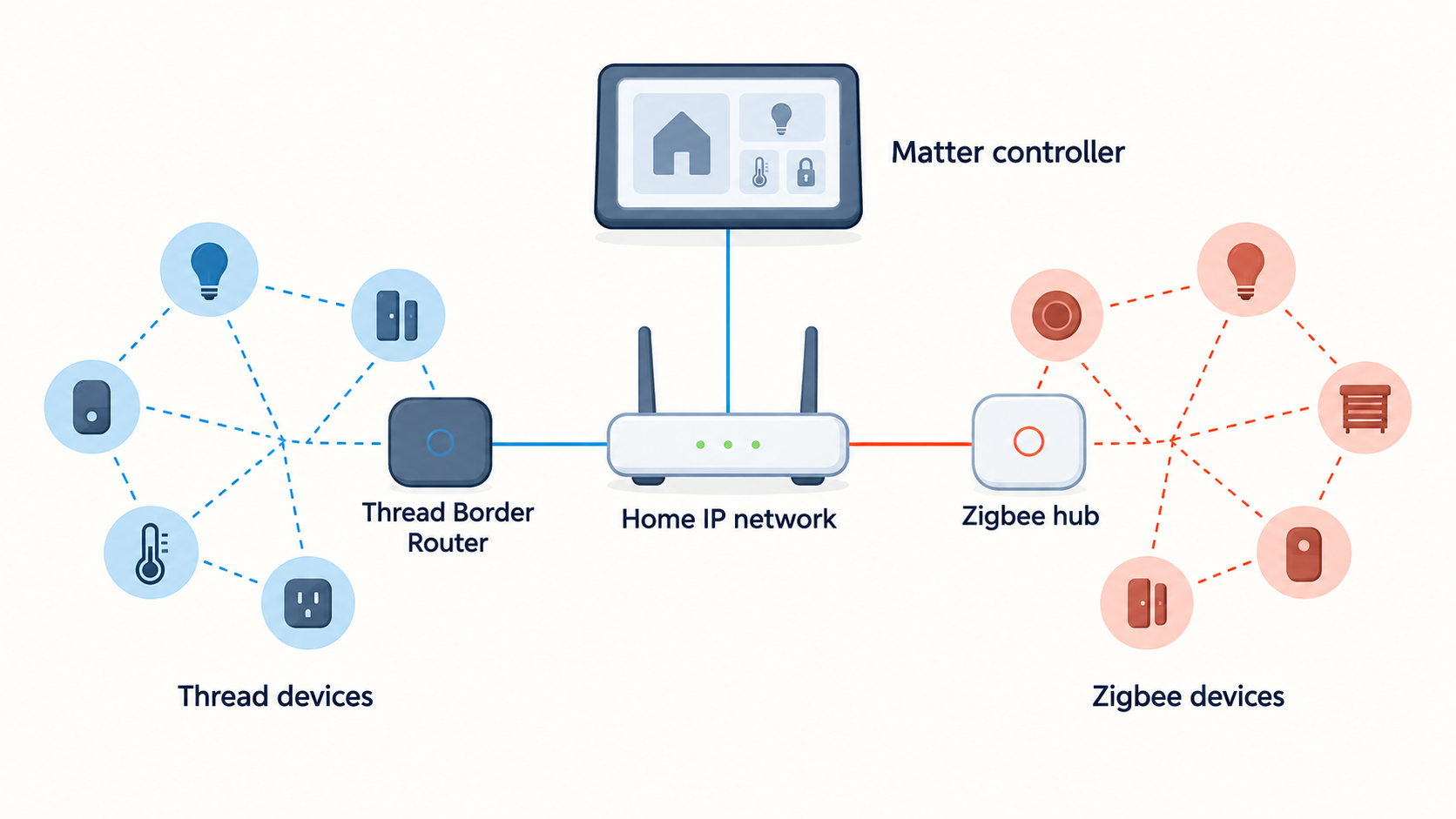
Do not assume that a radio label settles this. Matter, Thread, Wi-Fi and Zigbee describe parts of a system; product implementation, hub support and automation design determine the behavior you experience. Thread vs. Zigbee explains the protocol choice, but it is not an outage guarantee.
Make an outage inventory
For each important device, write down four questions: Can it be operated physically? Can it be controlled from inside the home with the internet disconnected? Do its automations still run? Can it alert someone outside the home? Test only where doing so is safe, and do not disable security or safety equipment merely to simulate a failure.
Prioritize systems where failure matters: entry access, leak alerts, heating/cooling, lights on stairs and critical accessibility needs. A leak sensor may sound locally yet be unable to send a remote alert without the internet; placement and compatibility are separate issues covered in Better Things Daily’s leak-sensor guide.
Avoid single points of surprise
Keep manual methods available for essential tasks. Know where physical keys, manual shutoffs and ordinary switches are. A battery backup can help only if the device, router, hub and relevant local network components are designed to use it; it does not make cloud services local.
Record device and hub models with their current support documentation. Firmware and platform behavior can change, so repeat the review after major updates or when adding a new ecosystem.\n\n## Sources\n\n- https://csa-iot.org/all-solutions/matter/\n- https://support.google.com/googlenest/topic/7029097\n- https://www.home-assistant.io/docs/\n\n*Cover photo: jason hu (@hujason) / Unsplash License. Contextual photograph; not a product test or installation instruction.*
This article may contain affiliate links. If you purchase through them, Findory may earn a commission at no extra cost to you. Read our disclosure.